

Finally, an InDesign grammar checker!
MindGrammar 4.0 is a fully integrated grammar checker for Adobe InDesign and Adobe InCopy. Currently MindGrammar is available for InDesign and InCopy CS3-CC 2026.
Version 4.0 adds a new Comma error category and over 500 new grammar rules across the existing categories, now organized into two groups, Grammar Errors and Grammar Info, so you can focus on real errors and surface lighter style suggestions only when you want them.
On the Mac, MindGrammar 4.0 integrates Apple's Natural Language engine for sharper, context-aware checking with fewer false positives, and introduces Writing Tools powered by Apple Intelligence — Proofread and Rewrite your text right from the MindGrammar dialog (requires macOS 15.2 or later on Apple Silicon).
A new Story Statistics panel reports words, sentences, syllables, and reading level at a glance.
It provides simple, yet powerful, grammar checking support for the English language.
Improve your writing and eliminate grammatical errors when editing your InDesign documents.
MindGrammar 3.0 adds a new MindGrammar grammar check dialog to easily walk through all text in your InDesign document and check for grammar errors.
MindGrammar 3.0 saves no additional data to your InDesign document. So if you are working on a indd document in a shared workflow, you no longer have to worry about other users having the MindEnabler compatability plugin.
For dynamic grammar checking, or grammar checking as you type, please see our MindGrammar Pro 4.0 plugin.
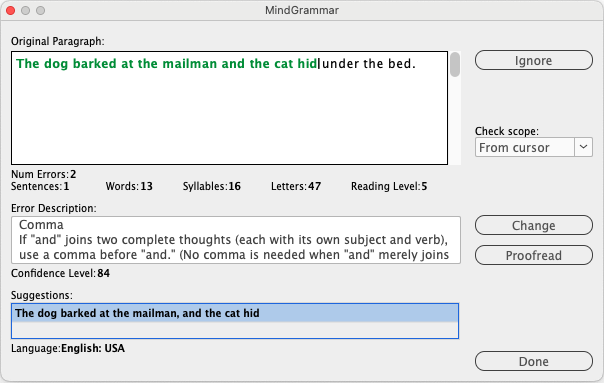
MindGrammar Grammar Check dialog
Click the Proofread button to bring up Writing Tools powered by Apple Intelligence — Proofread and Rewrite your text right from the MindGrammar dialog (requires macOS 15.2 or later on Apple Silicon).
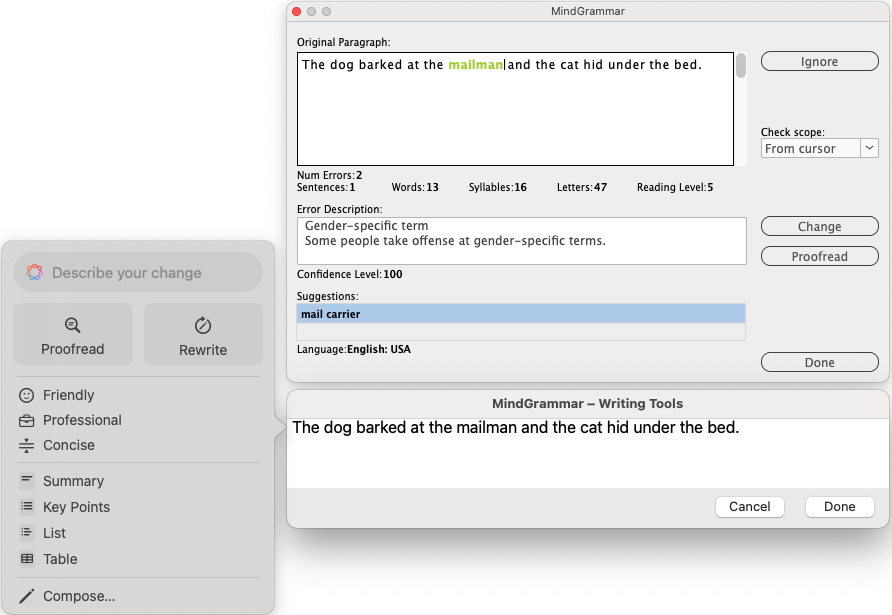
MindGrammar Grammar Check dialog with Proofread and Rewrite tools (Macintosh only)
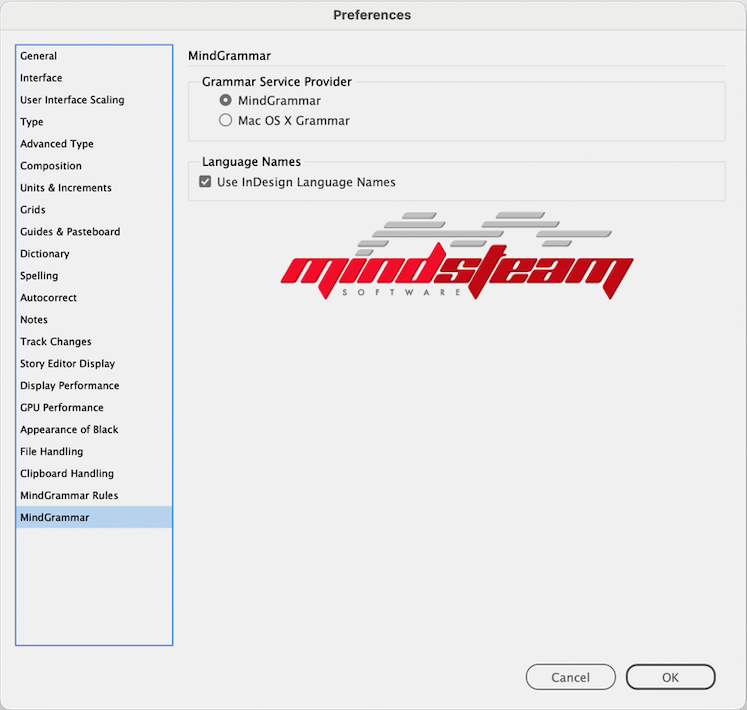
MindGrammar Preferences panel (Macintosh)
The MindGrammar Rules panel lets you choose which grammar rule categories are underlined in your document. You can also set the minimumn confidence level required in order to display an error in your document.
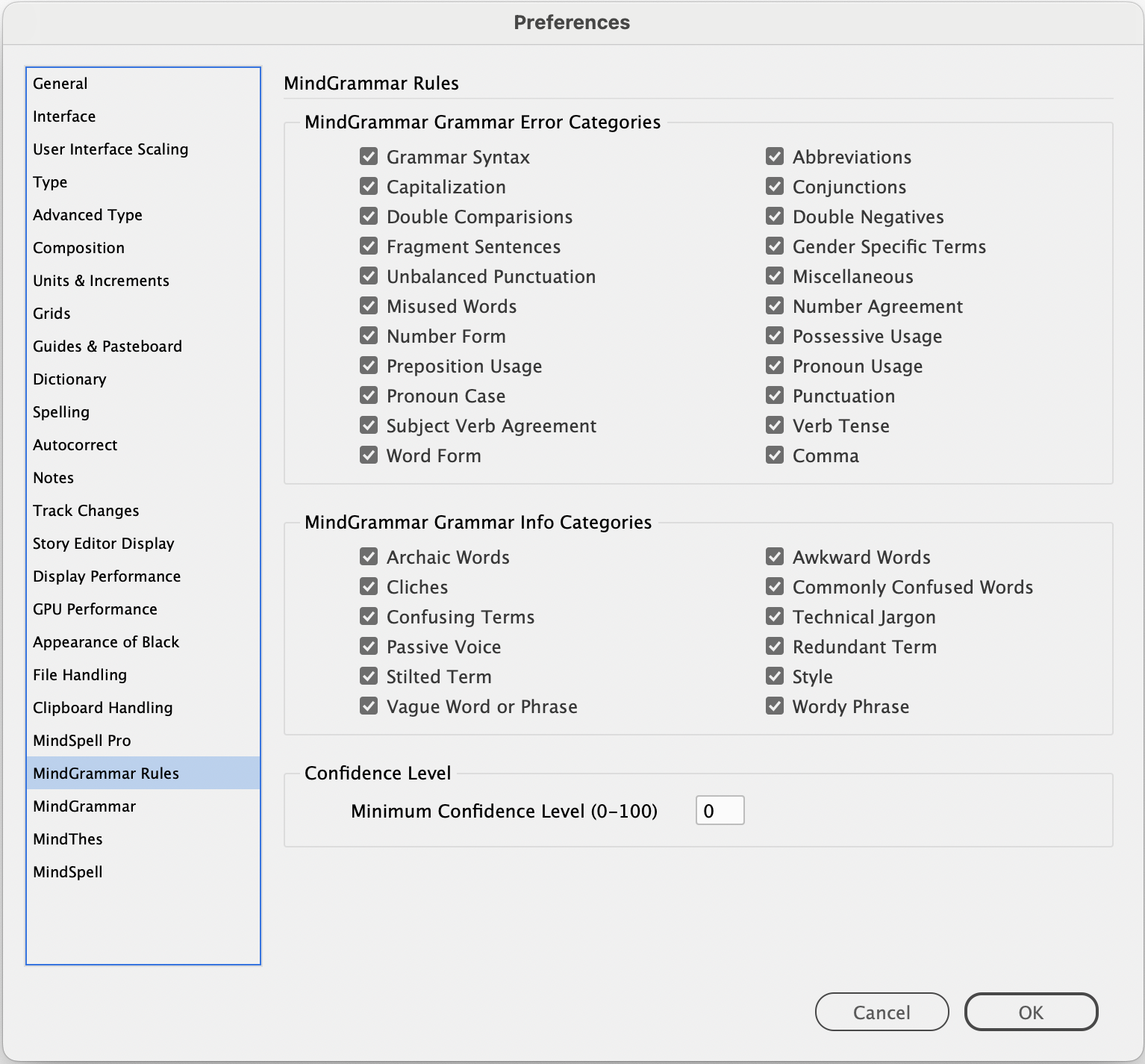
MindGrammar Rules panel
The MindGrammar Story Statistics dialog. Displays the total number of paragraphs, sentences, words, letters, syllables, and the Flesch Kinkaid Reading Level.
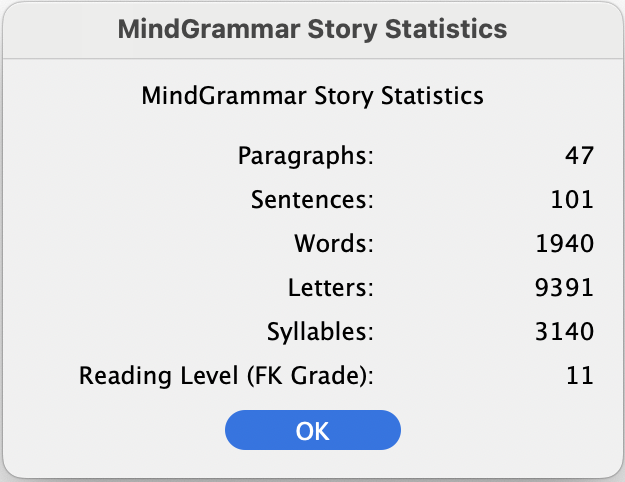
MindGrammar Story Statistics
System Requirements
InDesign/InCopy CS3-CC 2026, Intel or Apple Silicon (M1-M5) processor, Mac OS X 10.5 or later - for Macintosh version
 Mac OS X features Mac OS X features |
Supported Languages |
|---|---|
|
|
English: Australia English: Canadian English: UK English: USA |
 Windows features Windows features |
Supported Languages |
|---|---|
|
|
English: Australia English: Canadian English: UK English: USA |
 Buy Now
 This e-mail address is being protected from spam bots, you need JavaScript enabled to view it

© 2008-2026 Mindsteam Software
Mindsteam Software | 2000 Alaskan Way | Suite 548 | Seattle | WA | 98121 | USA